How may we help you?
Find answers to all your BiddingOwl questions. Step-by-step guides and tips
FAQs
How do I upload a logo to my website?
Display your logo on the Browse Auctions list as well as on your website
Updated 1 week ago
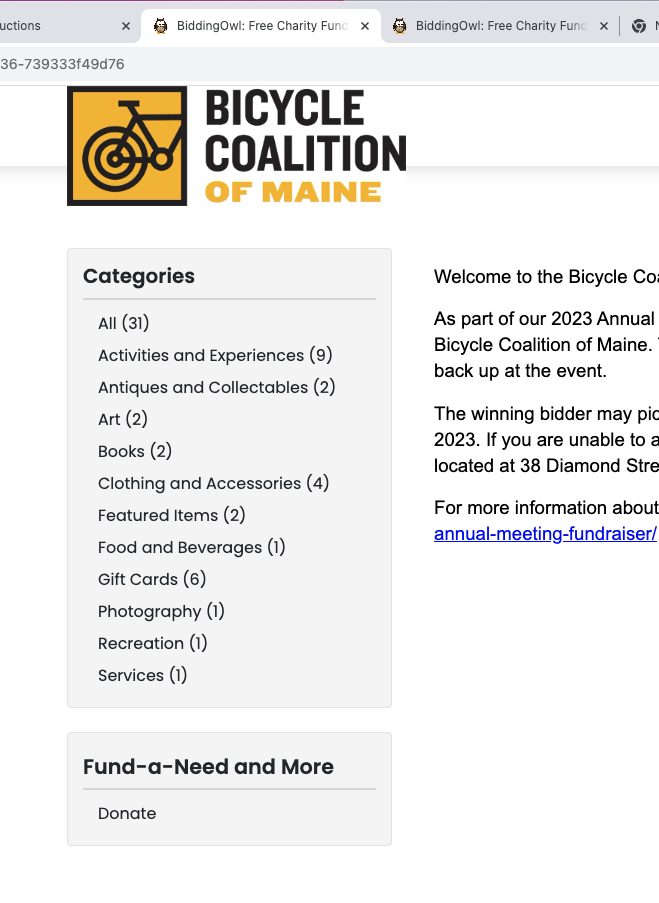
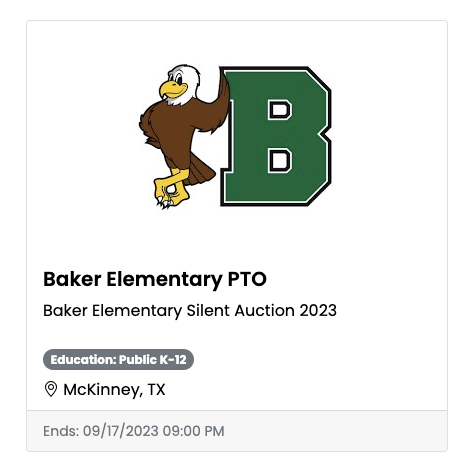
When you upload a logo for your organization, it is displayed on our Featured Auctions list as well as on your website in the header of the pages.
Follow these steps:
General Setup > Non-Profit Information
Select the organization and click "Set image".
Follow the prompts