Easy Steps
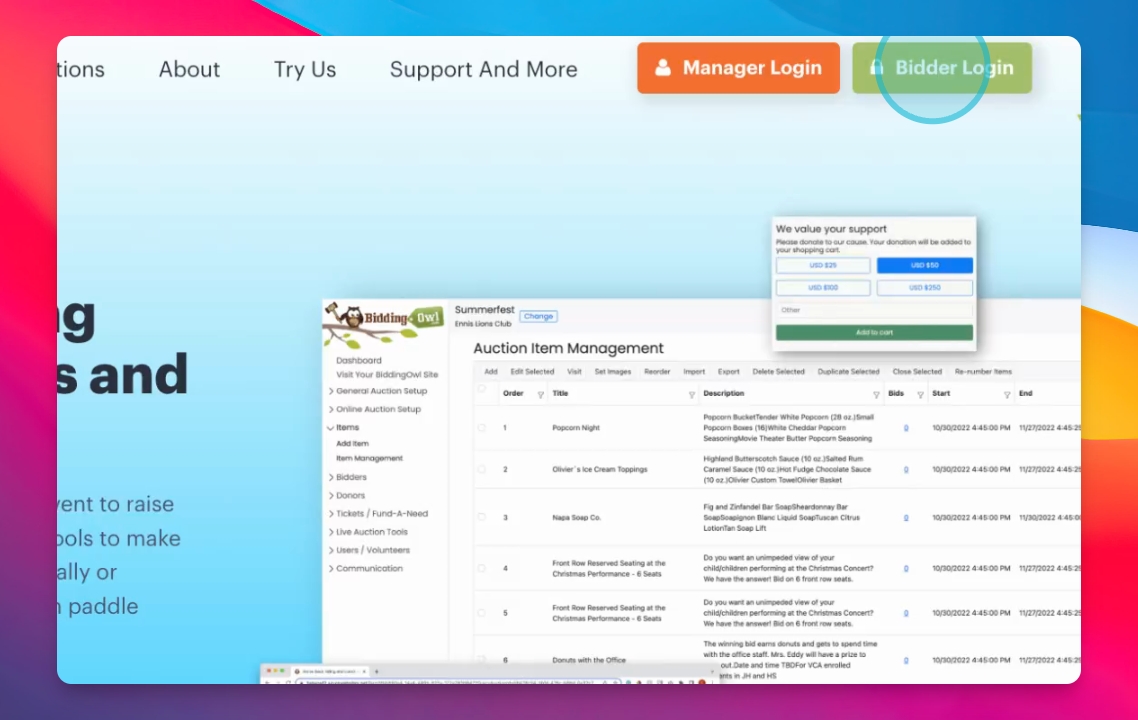
Navigate to BiddingOwl.com and click Bidder login.
Let's Do It Together!
Step 1: Access Bidder Login
Navigate to BiddingOwl.com.
Click on Bidder Login in the upper right corner.
Step 2: Check for Existing Account
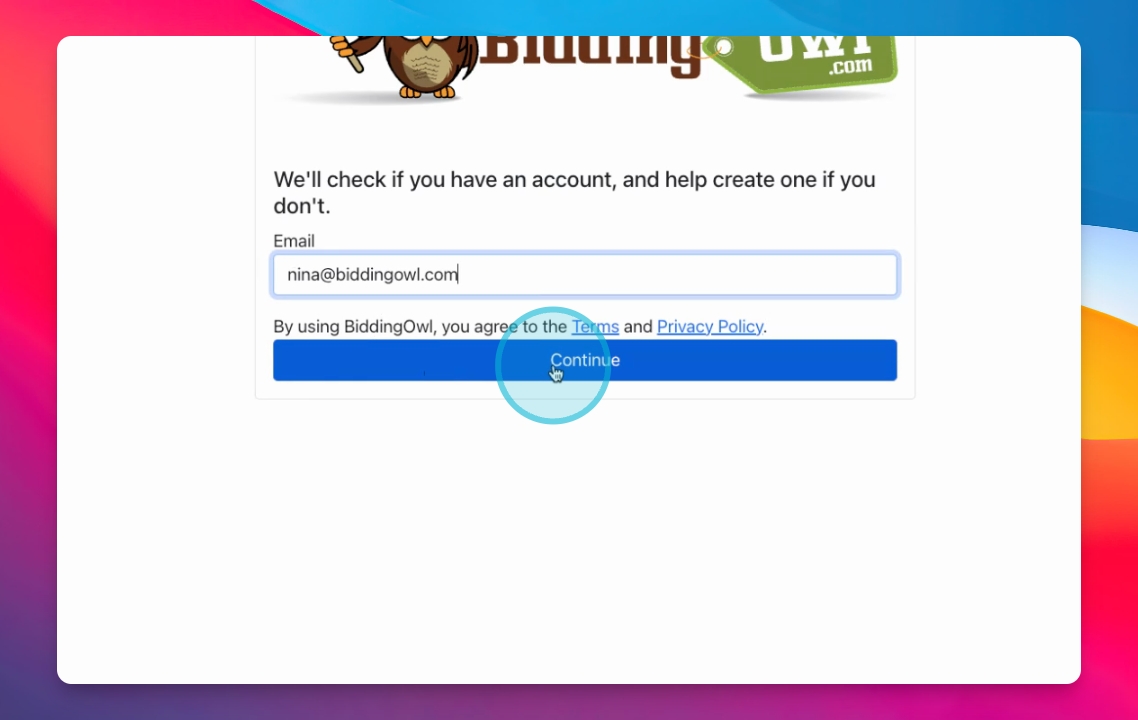
Type your email address to see if you have an existing account.
Step 3: Create Account
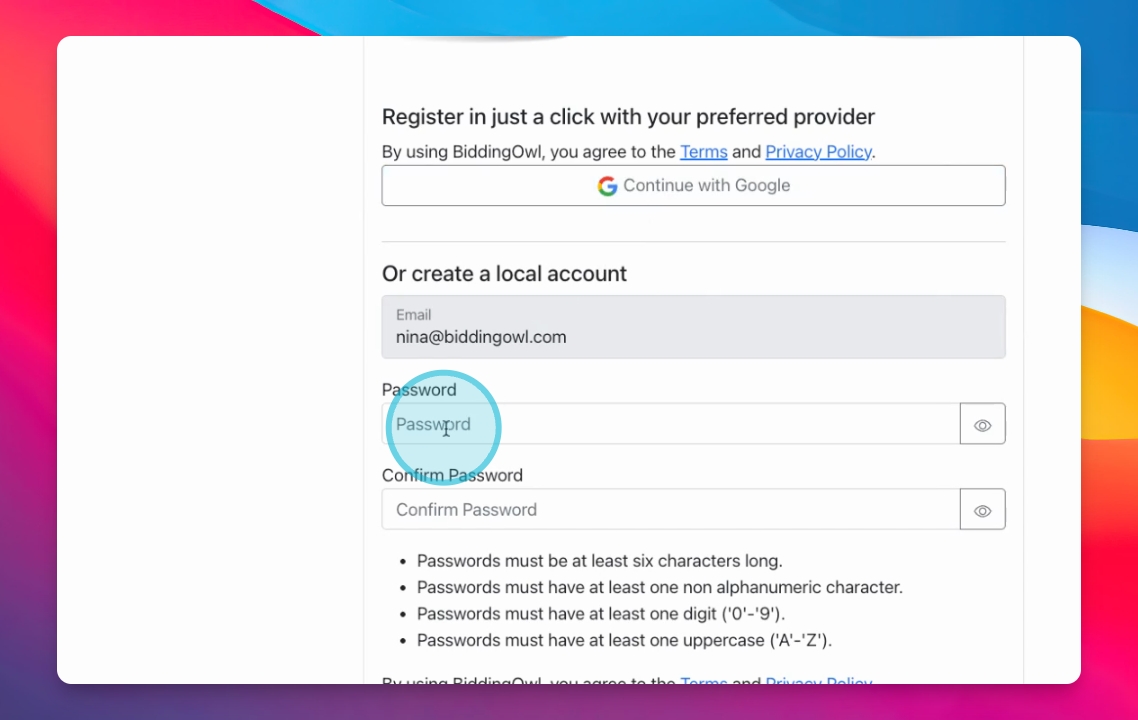
If no account exists, choose to continue with Google or create a password manually.
Step 4: Verify Your Email
Check your email and click the verification link provided.
This will bring you to your account profile.
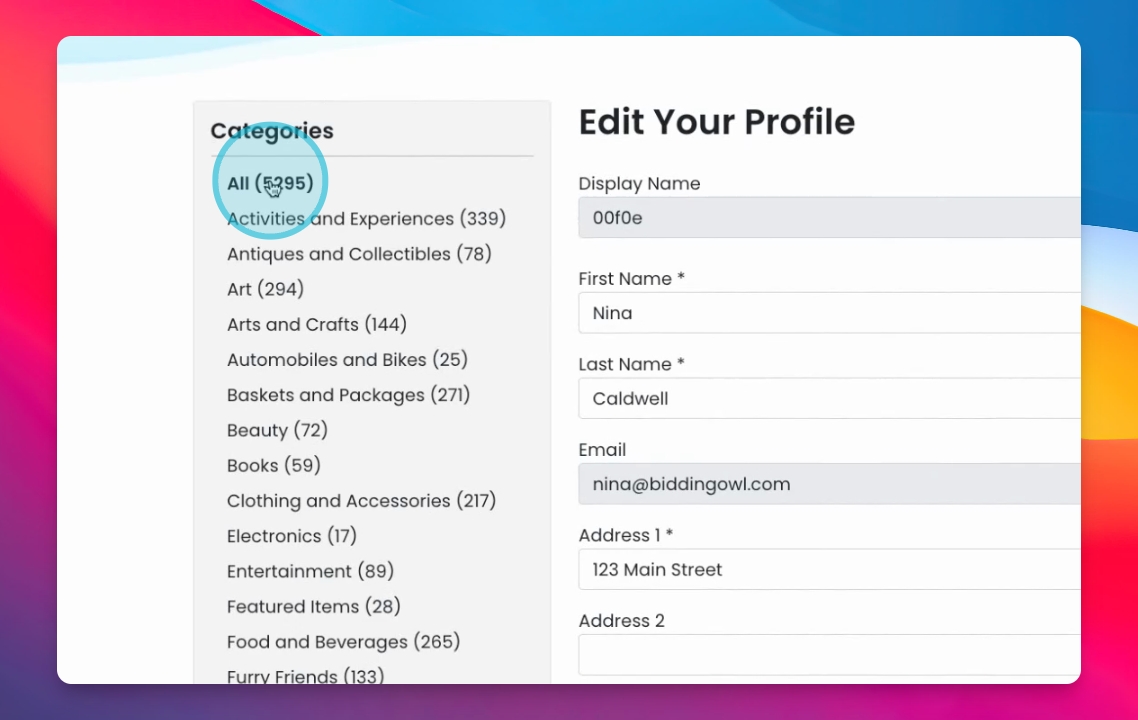
Step 5: Complete Your Profile
Fill out your profile information.
Ensure to add your cell phone number for notifications.
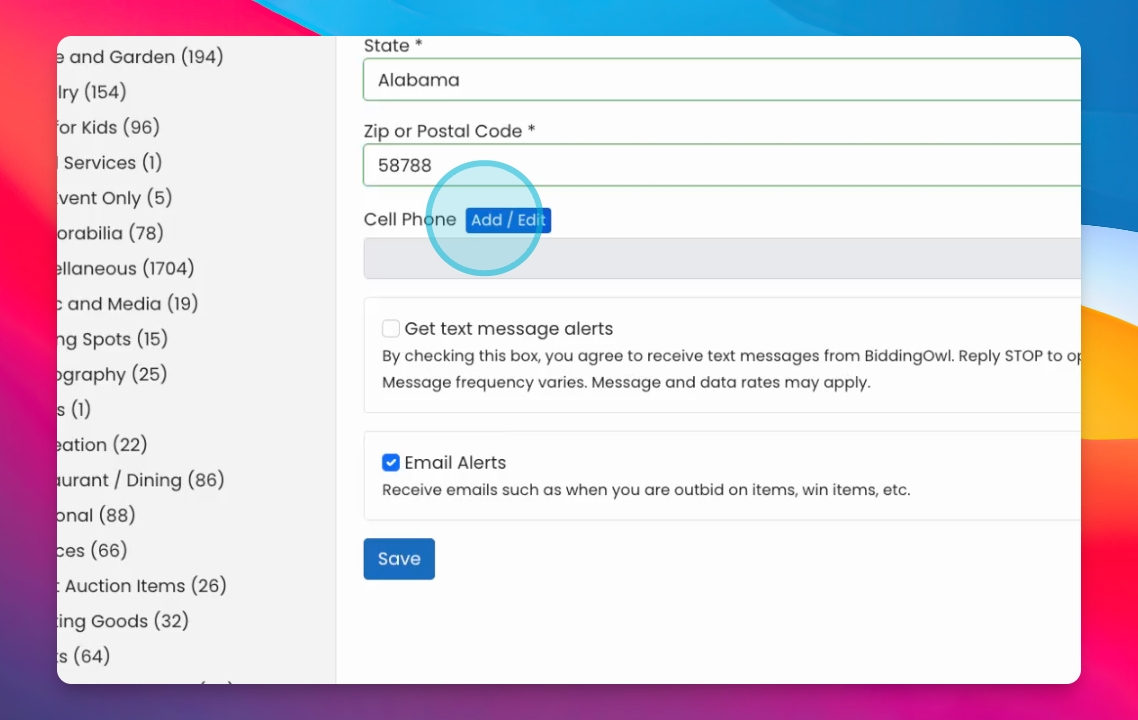
Step 6: Add Cell Phone Number
Click the Add button next to your cell phone number.
Type in your cell phone number.
Step 7: Verify Your Cell Phone
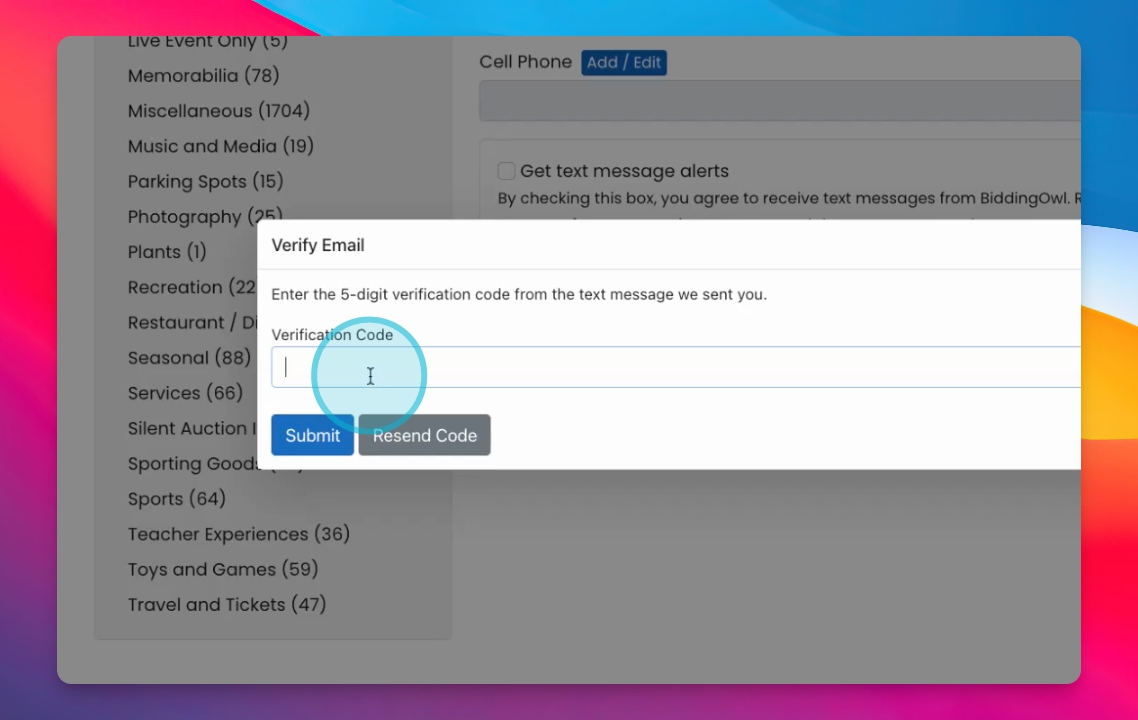
After submission, receive a 5-digit verification code.
Type in the code and submit.
Step 8: Enable Alerts
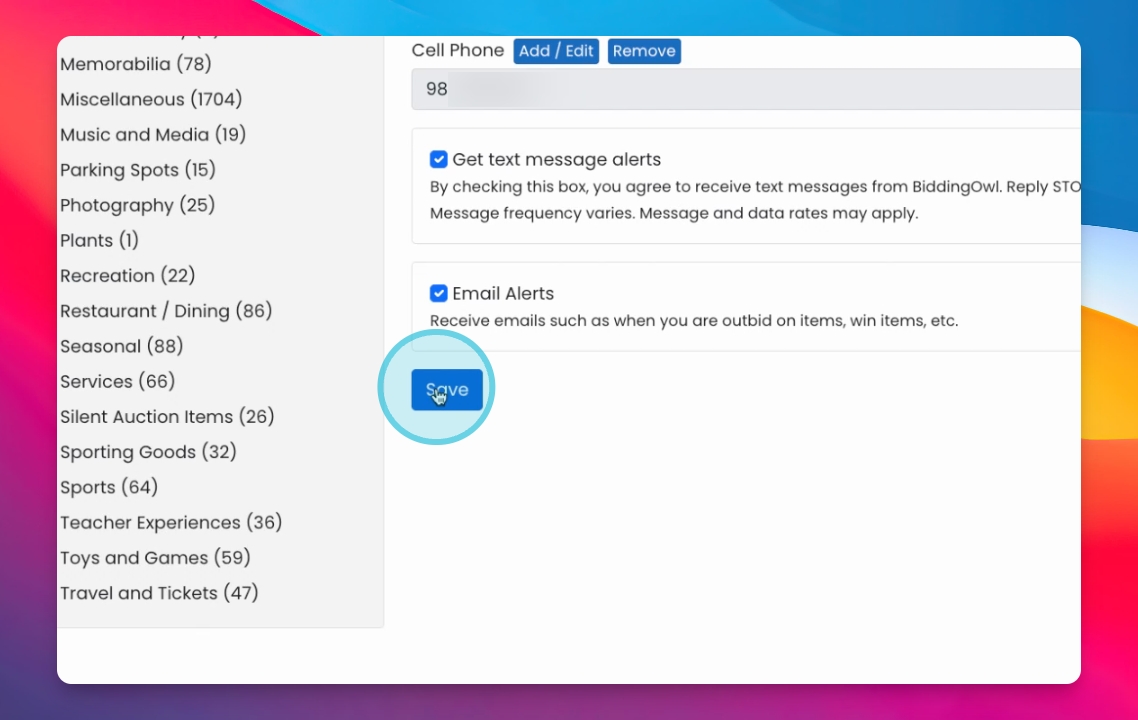
Check the box for text message alerts.
Ensure email alerts are toggled on.
Step 9: Save Your Information
Hit Save to finish setting up your account.
Step 10: Start Bidding!
Now you're ready to go to any auction and start bidding.