How may we help you?

Find answers to all your BiddingOwl questions. Step-by-step guides and tips

How do I upload a logo to my website?

FAQs

How do I upload a logo to my website?

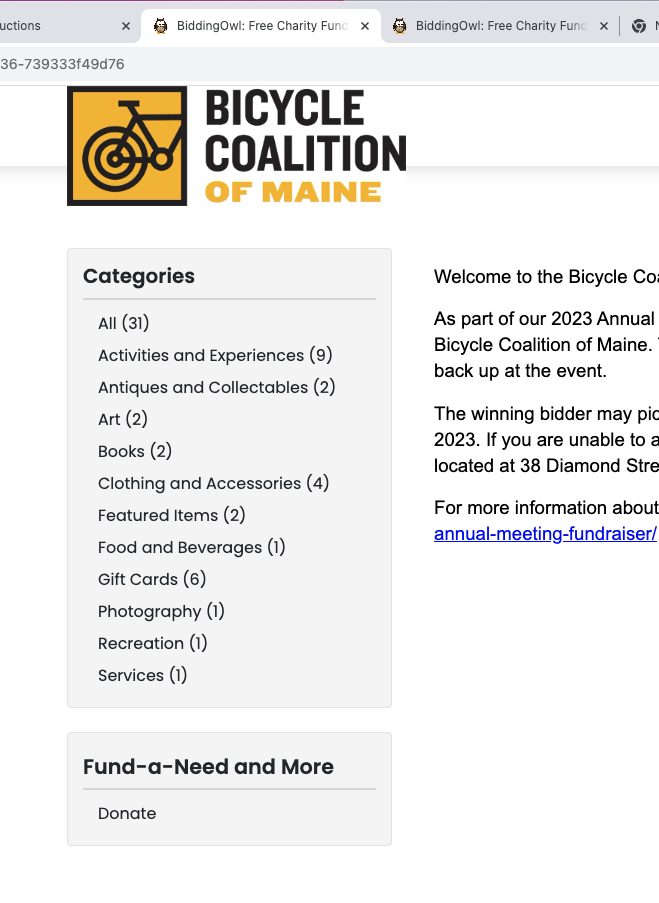
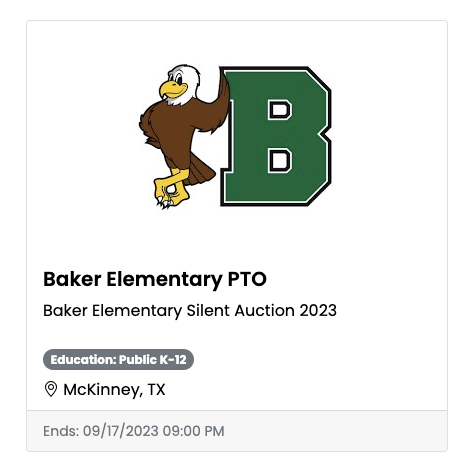
Display your logo on the Browse Auctions list as well as on your website

Last updated on 21 Oct, 2025

When you upload a logo for your organization, it is displayed on our Featured Auctions list as well as on your website in the header of the pages. 

Follow these steps:

  1. General Setup > Non-Profit Information

  2. Select the organization and click "Set image".

  3. Follow the prompts

ImageImage
Did you find this article helpful?
Previous

Private Auction

Next

Do you still have questions? Call us at 989.448.2189 or email us at info@biddingowl.com