

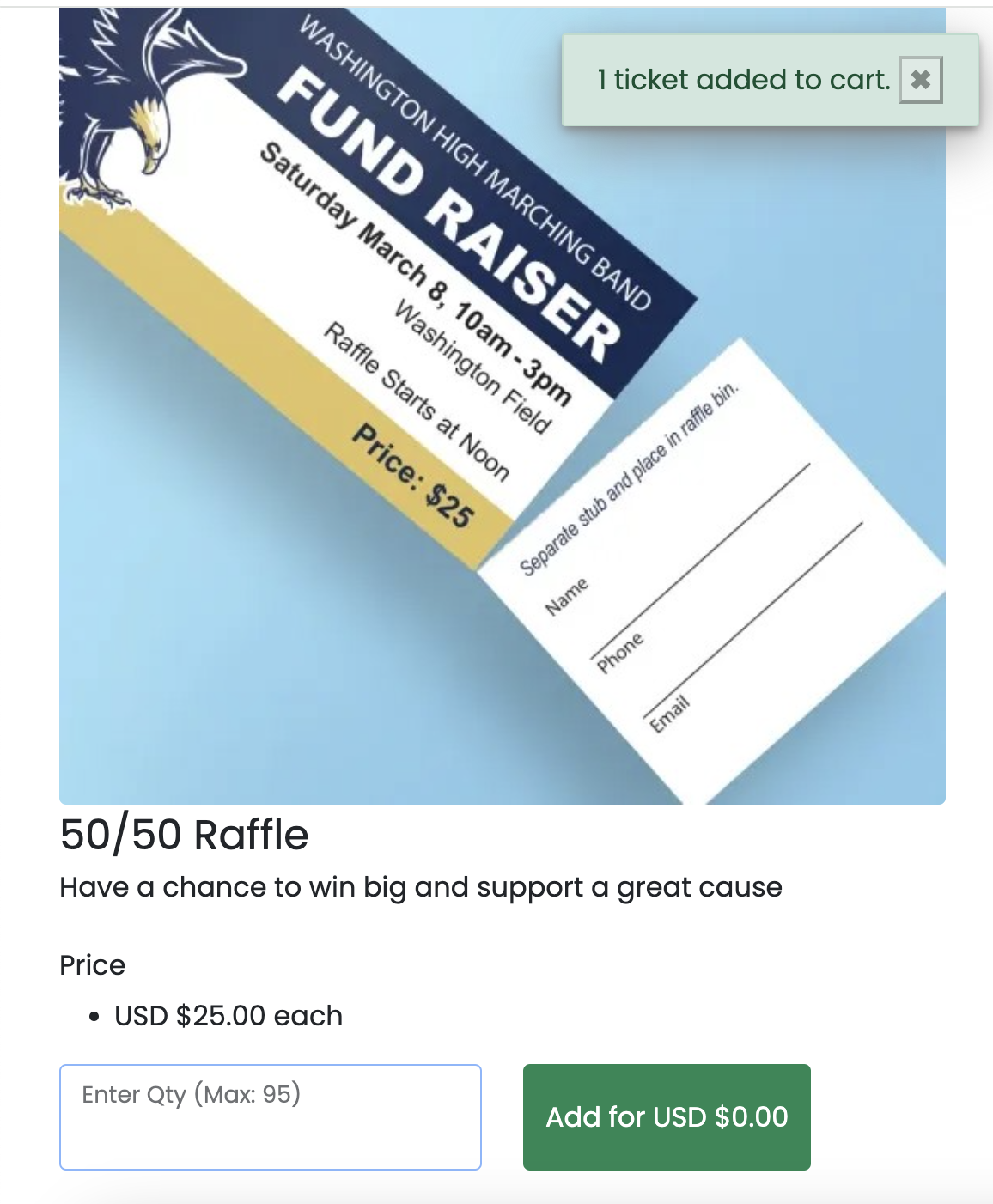
The cart is always available across the platform. When a bidder selects admission tickets, Buy It Now items, or other options, these items are automatically added to their cart. A notification in the upper right corner confirms each addition, letting the bidder know their selections have been successfully added.
As the auction manager, you can also monitor for unpaid tickets through Tickets / Fund-A-Need > Ticket Management. If you find individuals who have not paid for their tickets, you can send them an email/text via Communications > Send Email or Send SMS > select Bidders That Have Not Paid for Items to send a reminder.