
How may we help you?

Find answers to all your BiddingOwl questions. Step-by-step guides and tips

Sample Email Communications Tab

FAQs

Sample Email Communications Tab

You can send emails via your communications tab in the admin area

Last updated on 03 Feb, 2026

Send emails and SMS to your bidders via Communication > Send Email or > Send SMS. 

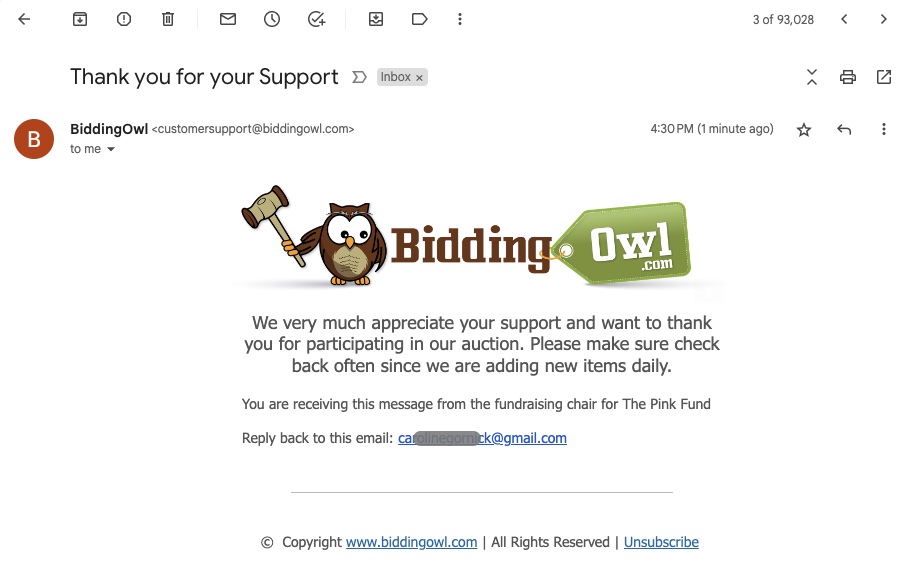
You can select groups of supporters. Here is a sample email we created with a random message. The email will be sent from noreply@biddingowl.com. The email does include a reply-to email. This is the contact email you specified in your account (General Setup > Non-Profit Information). 
 

Image

Did you find this article helpful?
Previous

Can a manager be notified via email or sms when a bid is placed?

Next

Do you still have questions? Call us at 989.448.2189 or email us at info@biddingowl.com