
How may we help you?

Find answers to all your BiddingOwl questions. Step-by-step guides and tips

Set default auction preferences

How to Guides

Set default auction preferences

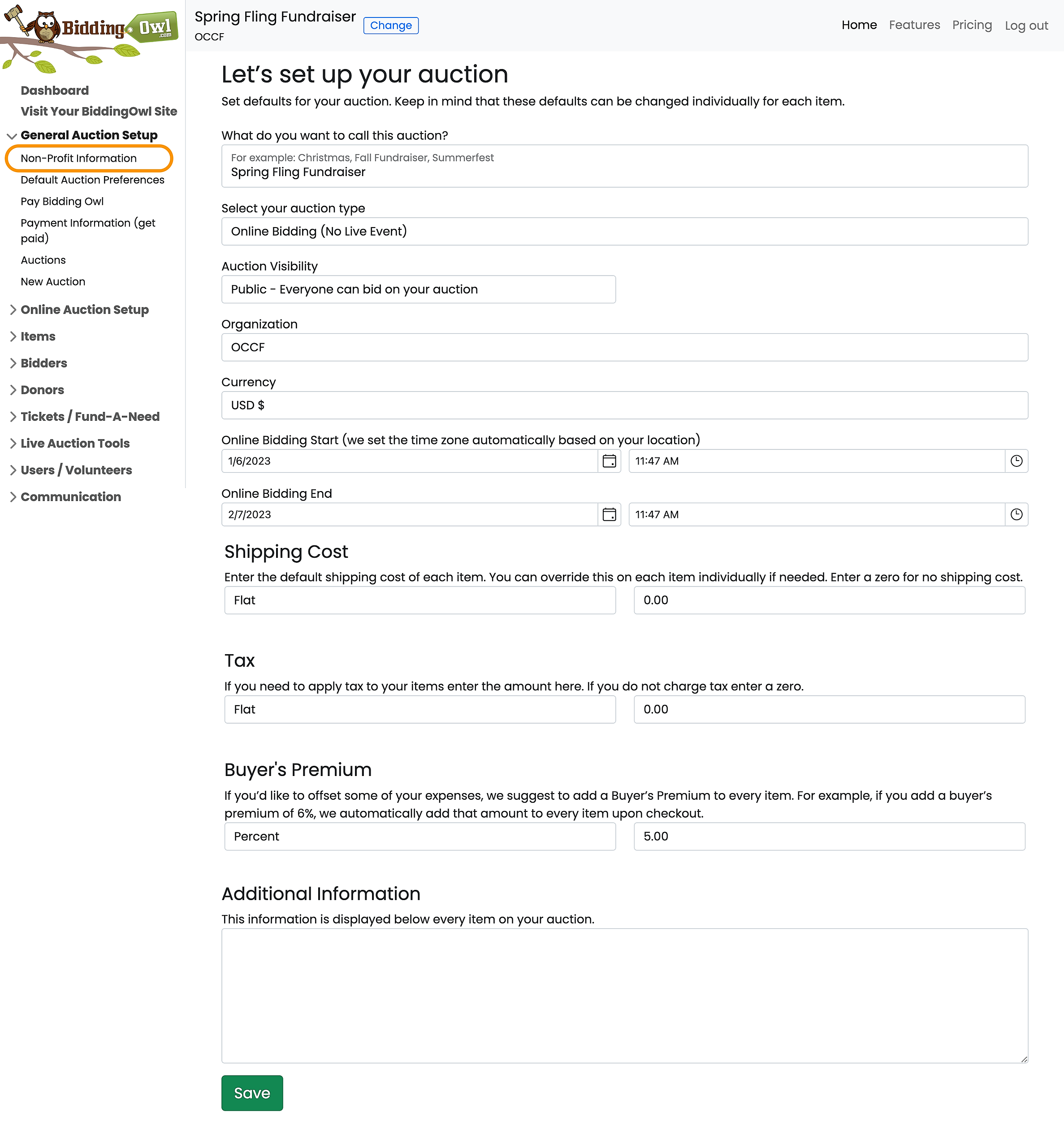
Refer to the screenshot below.

Last updated on 21 Oct, 2025

To set up your defaults, navigate to General Auction Setup > Default Auction Preferences or, click "Dashboard" and "Set up your Auction".

Please know that the defaults only change the presets and DO NOT overwrite already entered items. If you like to overwrite item details (times, dates, ...) you can go to Item Management and select the items > Click on Edit Selected. 
 

Image
Did you find this article helpful?
Previous

Can I print an information sheet for my items for my event?

Next

Do you still have questions? Call us at 989.448.2189 or email us at info@biddingowl.com